How to Track Job Applications Without Losing Your Mind
A practical system for managing dozens of applications, follow-ups, and interview rounds in one place — so nothing falls through the cracks.
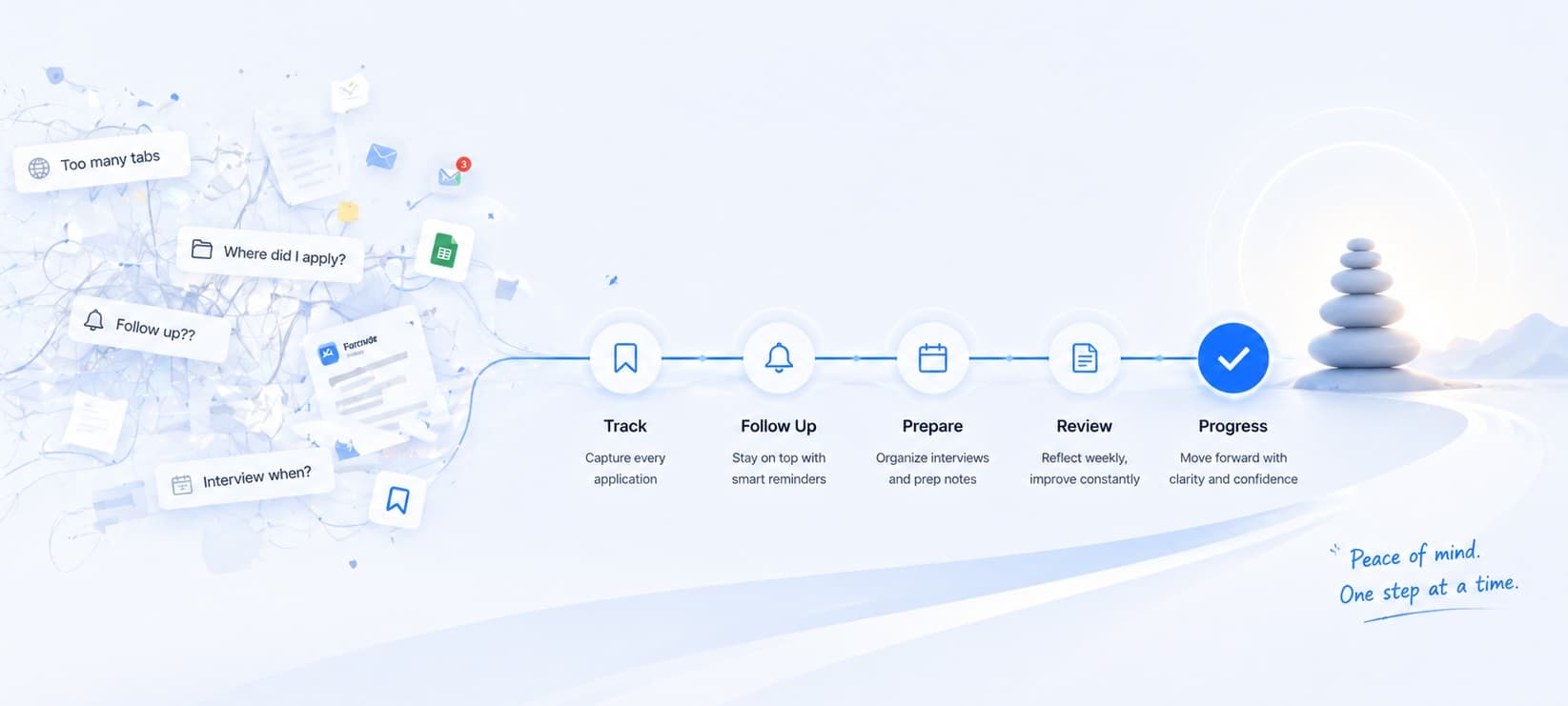
Job searching is a numbers game. Most people send out dozens — sometimes hundreds — of applications before landing an offer. Without a system, it quickly turns into chaos: missed follow-ups, forgotten deadlines, and interviews you can barely remember applying for.
This guide walks you through a practical approach to tracking job applications so you stay organized, follow up at the right time, and never lose momentum.
One detail people consistently miss: the written questions inside job applications. Many companies now ask short-answer questions during the application itself, and most people never save what they wrote. Later, they cannot remember how they positioned themselves, what examples they used, or what they promised they had experience with.
Why most people fail at tracking
The most common approach is a rough spreadsheet with columns like "Company", "Role", and "Status". It works for the first ten applications. By application thirty, you're not updating it anymore.
The problem isn't spreadsheets — it's that manual tracking requires discipline at the exact moment you have the least of it: when you're stressed, juggling multiple interview loops, and sending applications late at night.
A good tracking system should require almost no effort to maintain.
The fields that actually matter
Not all data is worth tracking. These are the fields that pay off:
| Field | Why it matters |
|---|---|
| Company | Search and filter anchor |
| Role title | Different titles = different prep needed |
| Date applied | Drives follow-up timing |
| Status | Applied → Phone screen → Interview → Offer → Rejected |
| Next action + date | The most important field — what do you do next? |
| Recruiter name | Personalizes follow-up emails |
| Job URL | Re-read the description before every interview |
| Application Q&A | Preserves written answers you may need to reuse or reference |
| Notes | Anything that will help you in interviews |
Skip salary, LinkedIn connections, and fancy scoring systems until you've shipped the basics.
A status system that works
Keep statuses simple and mutually exclusive:
- Applied — Submitted, waiting to hear back
- Screening — Phone/email contact from recruiter
- Interviewing — At least one technical or behavioral interview scheduled
- Offer — Written or verbal offer received
- Closed — Rejected, withdrawn, or ghosted after 4+ weeks
The key insight: move an application to Closed aggressively. Ghosted applications create false hope and pollute your active pipeline. Four weeks of silence is a no.
Continue with JobLumy
Use a tracker that keeps the workflow lightweight
JobLumy is built for this exact process: track roles, follow-ups, recruiter context, notes, application Q&A, and resumes without maintaining a fragile spreadsheet.
The follow-up rule
Follow up once, five to seven business days after applying, if you haven't heard back. Keep it short:
Hi [Recruiter], I applied for [Role] on [Date] and wanted to confirm my application was received. I'm very interested in the position — happy to answer any questions. Thanks, [Your name]
That's it. One follow-up. If they don't respond, move it to Closed and move on.
Batching beats reactive tracking
Instead of updating your tracker after every email, batch it: spend 15 minutes each morning reviewing what moved yesterday and setting next actions for today. This keeps the overhead low and makes sure your tracker stays current.
That daily review is also when application Q&A pays off. If you save the questions and your answers while applying, you can quickly reuse patterns for later applications and avoid contradicting yourself when a recruiter or hiring manager asks about the same topic again.
If you want a simple rhythm, use this:
- Save or apply to roles during the day
- Add the job URL, current stage, and next action immediately
- Save any written application answers while they are still fresh
- Review the tracker once a day and once at the end of the week
That is enough structure for most people. The goal is not to build a perfect dashboard. The goal is to stop losing context.
Using JobLumy for this
JobLumy is built specifically around this workflow. You save a job URL, and it automatically extracts the title, company, and description. The Kanban board gives you a visual pipeline from Applied through Offer. Interview notes, application Q&A, follow-up reminders, and recruiter contacts all live in one place.
The goal is the same as any good tracking system: spend your energy on the job search, not on managing the system.
Frequently asked questions
What should I save from job applications besides the job title and company?
Save the stage, date applied, next action, recruiter name, application Q&A, and any notes you will want before an interview or follow-up.
How often should I update my job tracker?
Light updates when you apply are ideal, but one short daily review is usually enough to keep the tracker accurate and useful.
Do I need to track every saved job?
No. Track the ones you actually want to revisit or apply to. The important thing is having one system for roles that still matter.
Key takeaways
- Track the minimum viable fields: company, role, date applied, status, next action
- Save application Q&A whenever a form asks written questions so you can reuse and revisit those answers later
- Move stale applications to Closed after 4 weeks — don't let them pollute your pipeline
- Follow up once, five to seven days after applying
- Batch your updates daily instead of updating reactively
- The best tracker is the one you'll actually use consistently
A disciplined tracking system won't get you the job — but it will make sure you don't lose it to disorganization.